Private Expense Tracker Without Bank Connection
Track daily spending, income, transfers, budgets, and recurring bills without connecting a bank account. CentsNote starts local-first and keeps AI as an editable draft step.
Download CentsNote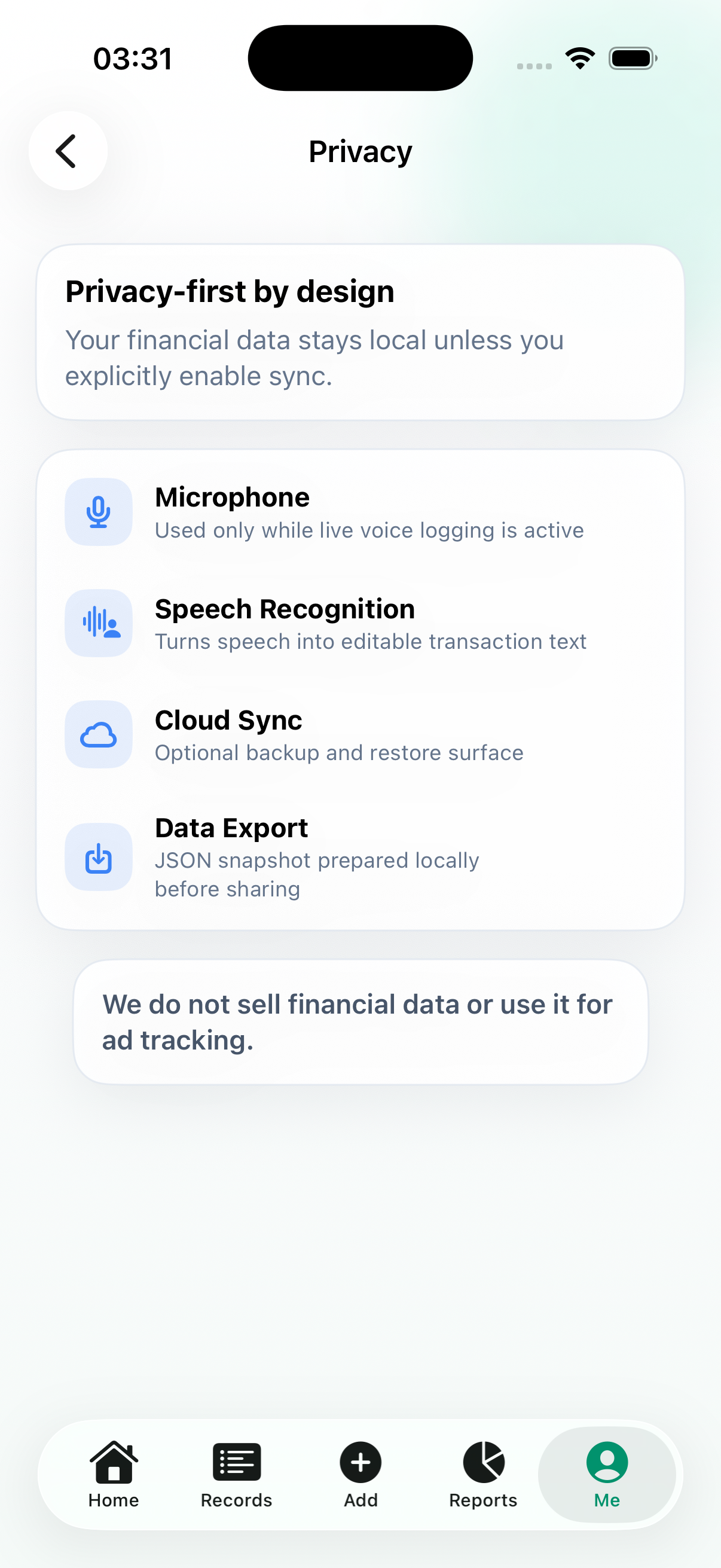
Why skip bank sync
Bank-sync apps are useful when automatic import matters most. They are less attractive when you want a small private ledger, fewer account permissions, and more intentional daily logging.
- No bank connection required
- Manual and voice-first entry
- Useful before any account integration exists
Local-first workflow
CentsNote records are designed around local-first use. Optional iCloud backup or sync is a user choice, not a requirement before the app becomes useful.
- Start recording immediately
- Keep records on device by default
- Use iCloud only when you choose
AI stays reviewable
Voice Log turns natural money notes into editable drafts. You review amount, category, account, date, and memo before saving anything to your ledger.
- Speak or type a note
- Review generated fields
- Save only after confirmation
Best fit
This workflow fits people who want awareness and habits more than automatic financial automation: daily expenses, subscriptions, bills, transfers, and monthly reviews.
FAQ
Does CentsNote connect to bank accounts?
No. CentsNote is built for manual and voice-first tracking without bank connection.
Does CentsNote give financial advice?
No. It is a personal record-keeping app and does not provide financial, tax, credit, banking, or investment advice.
What does AI do?
AI parses your note into editable record fields. You review the draft before saving.